

Blog

Nastja Pressler, osapiens Expert | 21. November 2025 | Lesezeit 10 min.
When comparing FSM solutions, it is worth taking a closer look at the platform behind them. Many providers separate field service, asset management, and spare parts inventory into different systems—resulting in duplicate maintenance, media breaks, and complex interfaces. A more sensible approach is to run CMMS and field service in a single hub, creating a shared database for assets, work orders, materials, and service reports.
Start with field service management













TRUSTED BY LEADING COMPANIES




ENTERPRISE-READY
 SAP Certification
 ISO 27001
 EU Hosting
 Entra ID & Okta
 Multi-Entity
Table of Contents
- What is a field service management (FSM) solution?
- The topic in a nutshell
- Key features of an FSM solution at a glance
- Who is FSM suitable for and what are its benefits?
- This is how an assignment with FSM works
- What results does field service management (FSM) deliver?
- Field service solution comparison: 6 providers at a glance
- Expert tip from osapiens
- What to look for when choosing your field service management solution
- The top 6 list in comparison
- FAQ
Phone chains, paperwork, and missed appointments in the field cost money—a field service management solution automatically plans assignments, guides technicians via app, and makes service measurably faster.
What is a field service management (FSM) solution?
An FSM solution is specialized software that digitally maps the entire on-site service process: from order acceptance and intelligent assignment of the right technician to complete documentation and billing. This gives companies a consistent process without media breaks – all information about customers, assets, appointments, and service history is stored in one place.
The topic in a nutshell
- Less chaos, more control in the field:
Phone chains, paper notes and Excel are replaced by a digital process. Jobs are captured centrally, scheduled automatically and handed over to the right technician with all relevant information – from address and asset to service history. - Mobile technician app instead of piles of paper:
Technicians receive all work instructions, checklists, safety information and customer data directly on their smartphone or tablet – even offline. Times, materials, photos and signatures are recorded on site and automatically synchronized later. - End-to-end process from job to invoice:
FSM solutions connect job intake, scheduling, execution, documentation and invoicing in a single continuous workflow. Proof of service lands in the system without media breaks, invoices go out faster and cash flow improves.
Key features of an FSM solution at a glance
- Work order management: Structured tasks, SLAs, and checklists; photos and digital signatures ensure clear documentation.
- Mobile technician app (also offline): All information at the job site. Times, materials, and documentation are recorded in real time and synchronized later.
- Material/parts tracking: Availability and reservations at a glance, the right part at the right time.
- Scheduling, route planning, and route optimization: Assignment based on qualification, location, availability.
- Customer communication: Appointments are automatically confirmed, the estimated time of arrival (ETA) is announced, and the service report follows immediately after the job.
- Live transparency: Identify status, utilization, SLA risks, and bottlenecks in real time; set priorities and actively manage assignments.
Try osapiens Field Service free of charge for up to 5 users. Plan and schedule assignments with just a few clicks, work on the go even without a network connection, and create service reports with photos and signatures—from order to billing.
Who is FSM suitable for and what are its benefits?
FSM is worthwhile for all companies with technicians in the field, for example for maintenance, repair, installation, inspection, or meter replacement. The benefits are quickly apparent: less coordination effort, shorter response times, fewer empty runs, and noticeably better customer experiences thanks to reliable appointments, ETA information, and the service report immediately after the assignment.
This is how an assignment with FSM works
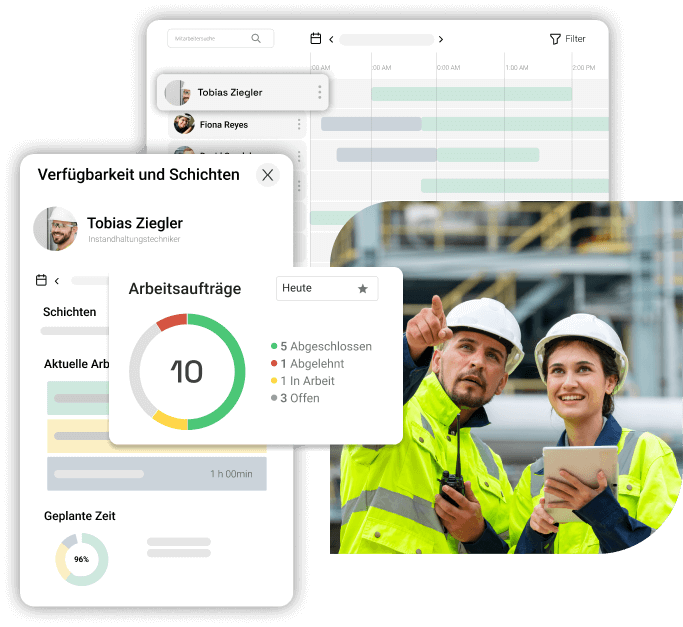
After being entered, an order is automatically assigned to the most suitable technician based on qualifications, distance, and availability. On site, technicians work with a mobile app that displays work instructions, safety information, and checklists step by step and records all evidence directly. The app also works offline and automatically synchronizes all data as soon as a connection is reestablished. All times, materials, and comments are recorded directly, so that acceptance and billing can take place without duplicate data entry.
What results does field service management (FSM) deliver?
A modern field service management solution delivers clear results: teams resolve issues significantly more often on the first visit, with a first-time fix rate of up to 89%, which reduces repeat visits, lowers costs, and noticeably increases customer satisfaction. At the same time, errors are reduced by 21% because validated, guided forms clearly secure and document every step. Performance records and signatures are sent directly to billing, invoices are sent out faster, and cash flow improves. In addition, the continuous overview of order status, appointments, and materials ensures that assignments are more predictable, appointments are kept more reliably, and overall utilization increases.
Field service solution comparison: 6 providers at a glance
The FSM market offers a wide range of solutions for different business requirements. From free entry-level solutions to enterprise systems with full SAP integration, the choice is vast. Our detailed comparison helps you find the best field FSM solution for your specific service requirements.
osapiens Field Service Management In comparison
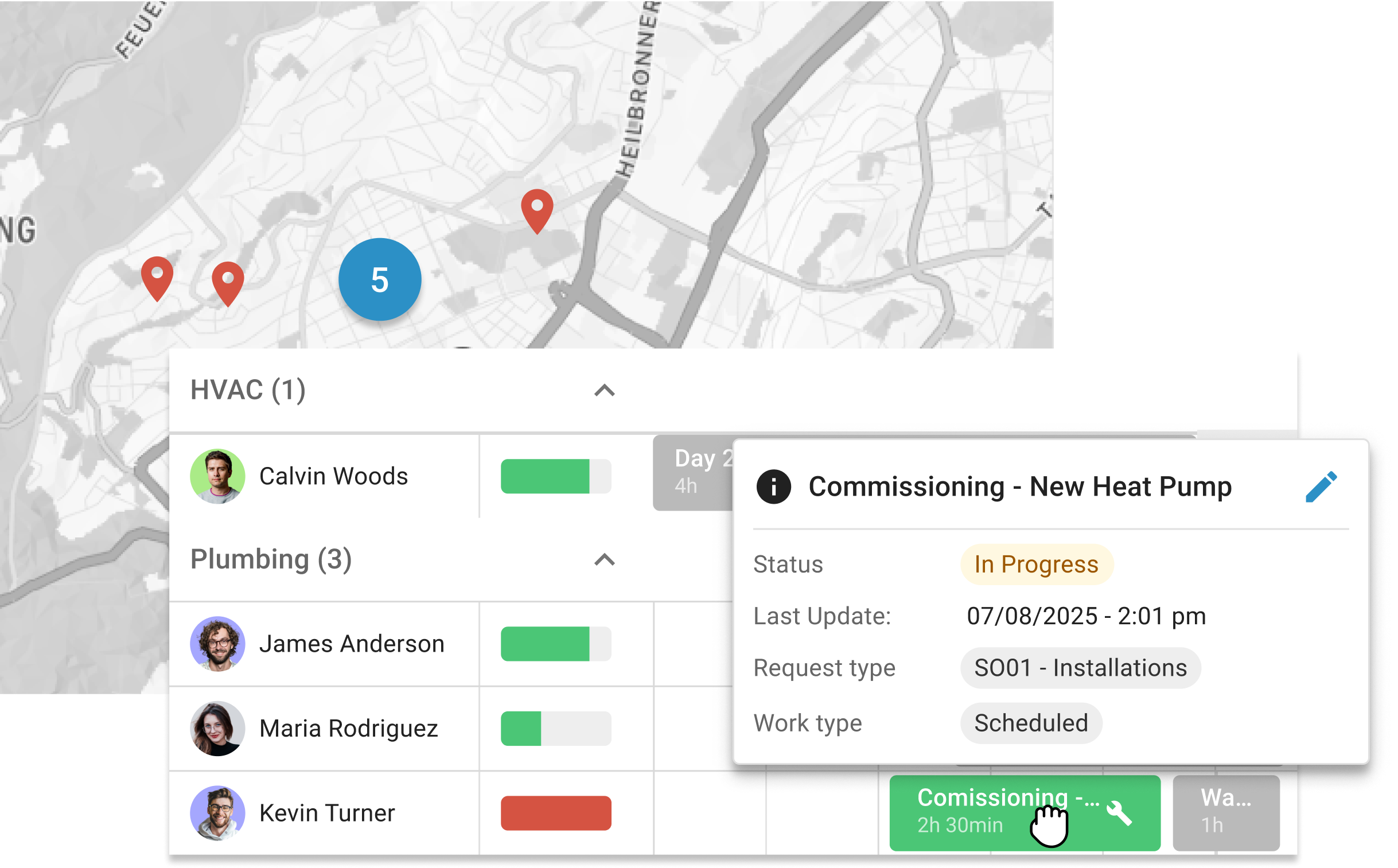
osapiens combines CMMS and field service management in one platform—from assets to spare parts and scheduling to direct billing. This allows teams to work on a single database, processes to run end-to-end without interruptions, and results to be measurable: higher first-time fix rates, fewer errors, and faster invoicing.
Key strengths
- One system for CMMS & FSM: assets/equipment, spare parts/warehouse, scheduling & field service on a single database and no tool mix.
- End-to-end billing, including partial billing & ERP integration: from order entry to deployment & reporting to direct billing; partial billing for multi-day deployments included.
- Higher quality on first visit: up to 89% first-time fix rate (FTFR) and 21% fewer form errors thanks to smart, validated forms.
- AI-supported planning: Automatic recording of service requests, assignment based on skill/availability/location, even workload & shorter waiting times.
- Offline and online app including PDF service reports & signatures, customer notifications & live status.
- Seamless SAP/ERP/CRM integration with SAP, HCM, PM, SD
- DACH relevance: Our solution is GDPR-compliant with local data storage, German-language support, and onboarding specifically for skilled trades, building yards, and SMEs.
Ideal for SMEs that want to become productive quickly without relying on add-ons for core functions. Functions and processes are included as standard.
Fieldcode
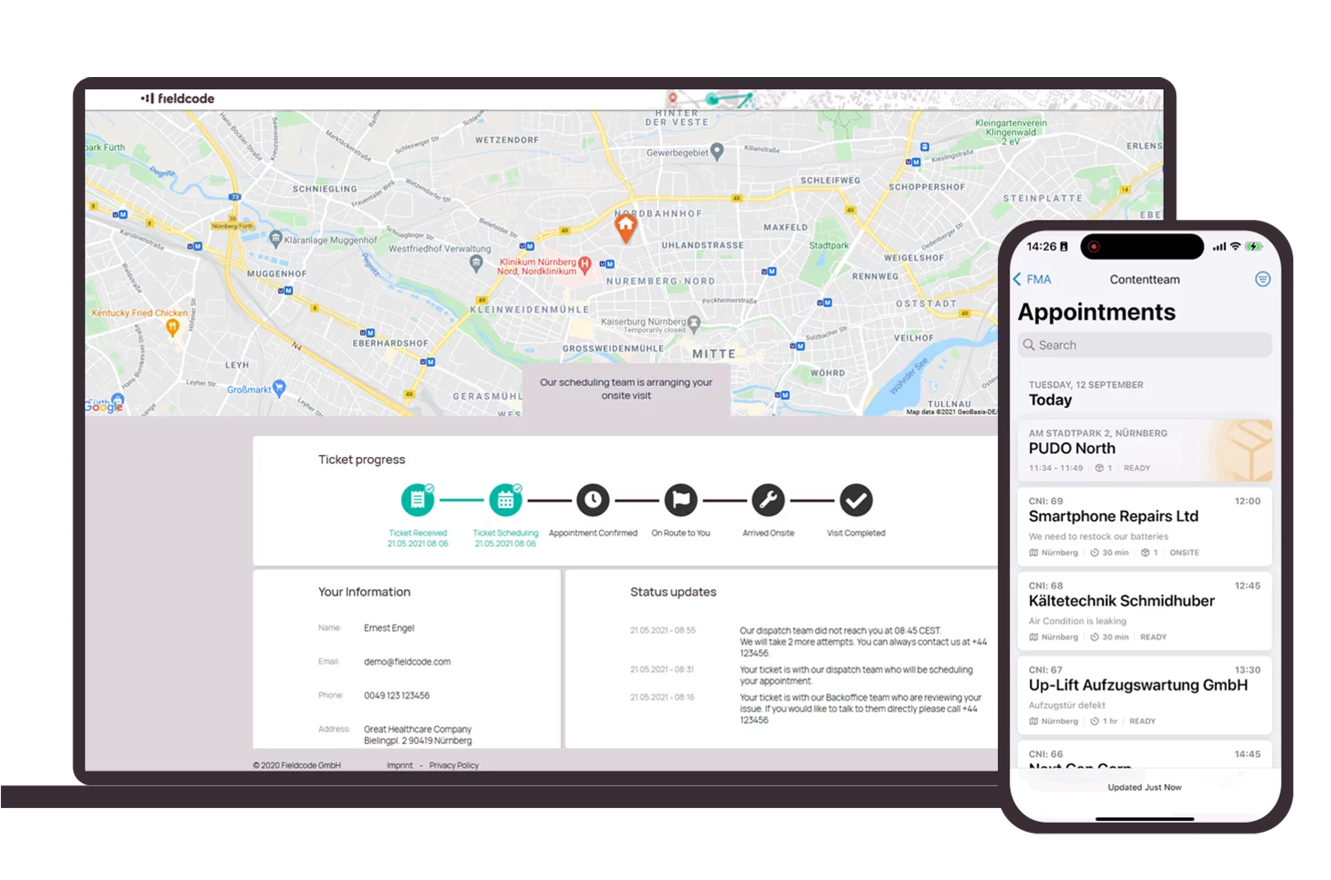
Fieldcode positions itself as an automation platform for field service: The solution offers a REST/JSON API that allows route and resource planning to be embedded into existing CRM/ERP/CMMS landscapes.
Key strengths
- Pay-per-event pricing model for fluctuating volumes; you pay per assignment rather than per user.
- Automatic scheduling and route optimization for shorter travel times and more assignments per day.
- Mobile app with offline function that makes orders, details, and receipts available even without a network connection and synchronizes them later.
Please note
Fully automated automation is only included in the highest pricing tier, but not in the Enterprise Plan.
Salesforce Field Service
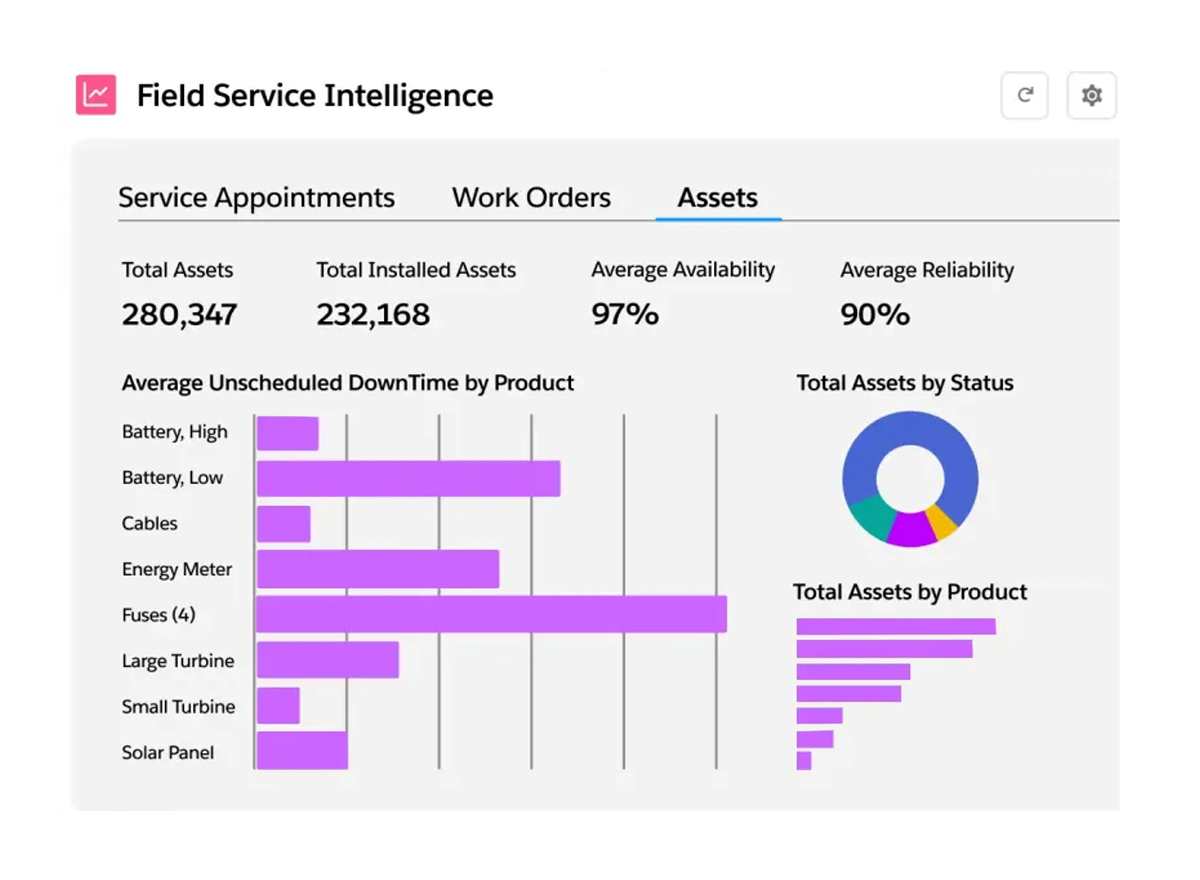
Salesforce Field Service connects scheduling, mobile execution, and billing directly in the Salesforce ecosystem. The Field Service Mobile App works both online and offline.
Key strengths
- Seamless integration with Salesforce CRM: A single database for customers, cases, work orders, and assets—ideal if you already use Salesforce.
- Clear, role-based pricing: Editions for Dispatcher, Technician, Contractor/Contractor Plus, and Field Service Plus (e.g., $175/user/month for Dispatcher/Technician; $55–80 for Contractor; $230 for Field Service Plus). Salesforce
- Enterprise-level planning and optimization: Automated scheduling, route and resource optimization; optionally expandable with Agentforce/AI.
Please note
Communication functions such as Appointment Assistant, Digital Engagement, and, in some cases, the Self Service Portal are often only available as paid add-ons. For SMEs with small teams, this usually results in a higher total price.
SAP Field Service Management
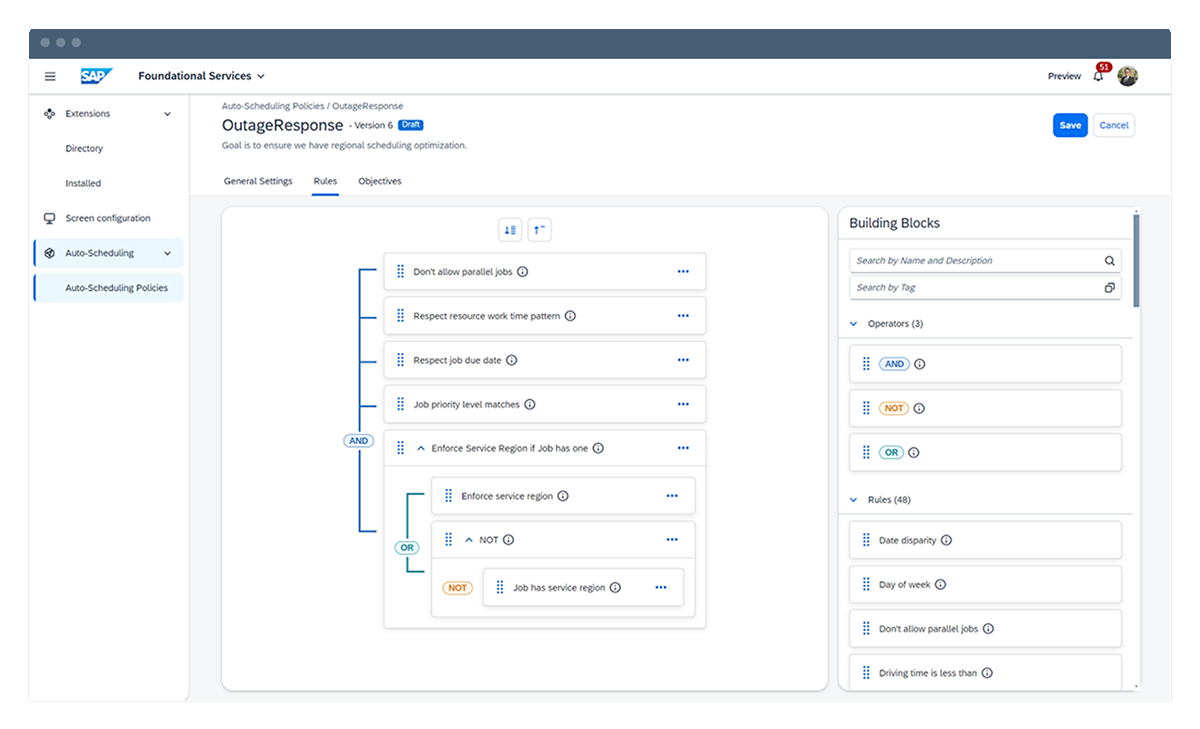
SAP FSM is SAP’s field service solution. It combines scheduling, mobile execution, and billing in a continuous process and really comes into its own when SAP systems such as S/4HANA or the Service Cloud are already in use.
Key strengths
- AI-supported scheduling and personnel planning based on location, skills, and availability.
- Offline-first apps: Technicians can continue working even without an internet connection.
- Crowd services allow you to expand your selection of skilled workers on demand via an AI-based marketplace and a partner portal.
Please note
Strong focus on extensions and APIs. Depending on requirements, this may result in additional configuration or extension work that needs to be planned for.
OverIT NextGen FSM
OverIT Next-Gen FSM is a field service platform for companies with complex, operationally and safety-critical tasks. It combines scheduling, mobile execution, and documentation in one system and is primarily aimed at organizations that need to control critical service processes centrally and reliably.
Key strengths
- Powerful map functions that are also available offline.
- Remote support: Experts provide live assistance without having to be on site.
- Dynamic rescheduling, including a critical jobs assistant for real-time rescue of endangered appointments.
- Designed for complex, mission-critical industries: Positioning specifically for energy, telecommunications, transportation/rail, etc.
Please note
OverIT focuses on mission-critical industries and positions its platform for these complex application scenarios. As a result, the solution is industry-specific and, in many cases, more comprehensive than necessary for companies outside these sectors.
Praxedo
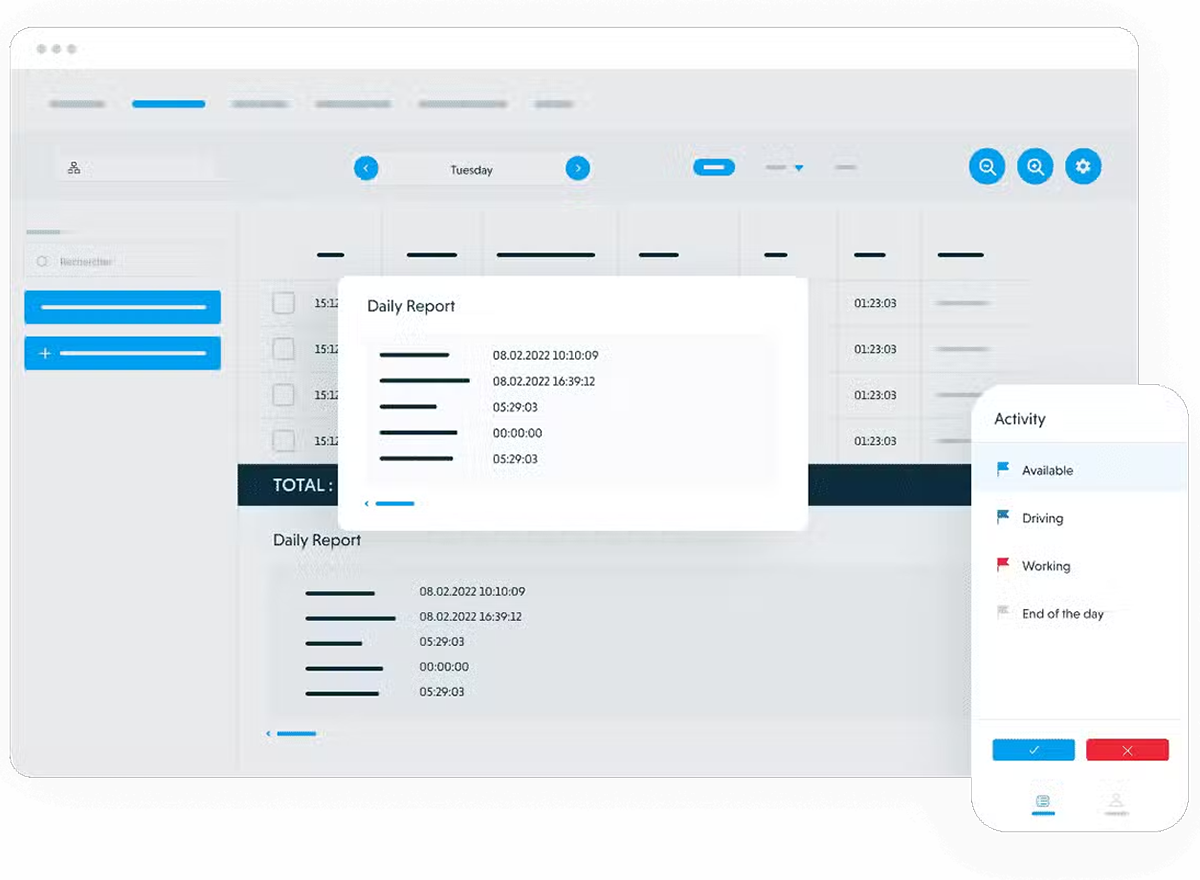
Praxedo is a cloud-based field service management platform that maps assignments from planning to mobile execution to documentation in a single system. It is aimed at companies with field service teams that want to centrally manage appointments, resources, and customer communication.
Key strengths
- Mobile app (offline capable): Record orders, times, and activities directly on site, use the map, and synchronize automatically later.
- Customer communication & self-service: Portal for clients and appointments; customers receive confirmation, ETA, and live status updates.
- Real-time control for dispatch: live locations on the map, cockpit for monitoring, and automatic alerts in case of delays.
Please note
There are PDF reports and invoice items, but no end-to-end invoicing from the solution.
Expert tip from osapiens
When comparing FSM solutions, it is worth taking a closer look at the platform behind them. Many providers separate field service, asset management, and spare parts inventory into different systems—resulting in duplicate maintenance, media breaks, and complex interfaces. A more sensible approach is to run CMMS and field service in a single hub, creating a shared database for assets, work orders, materials, and service reports.
Nastja Pressler, osapiens Expert
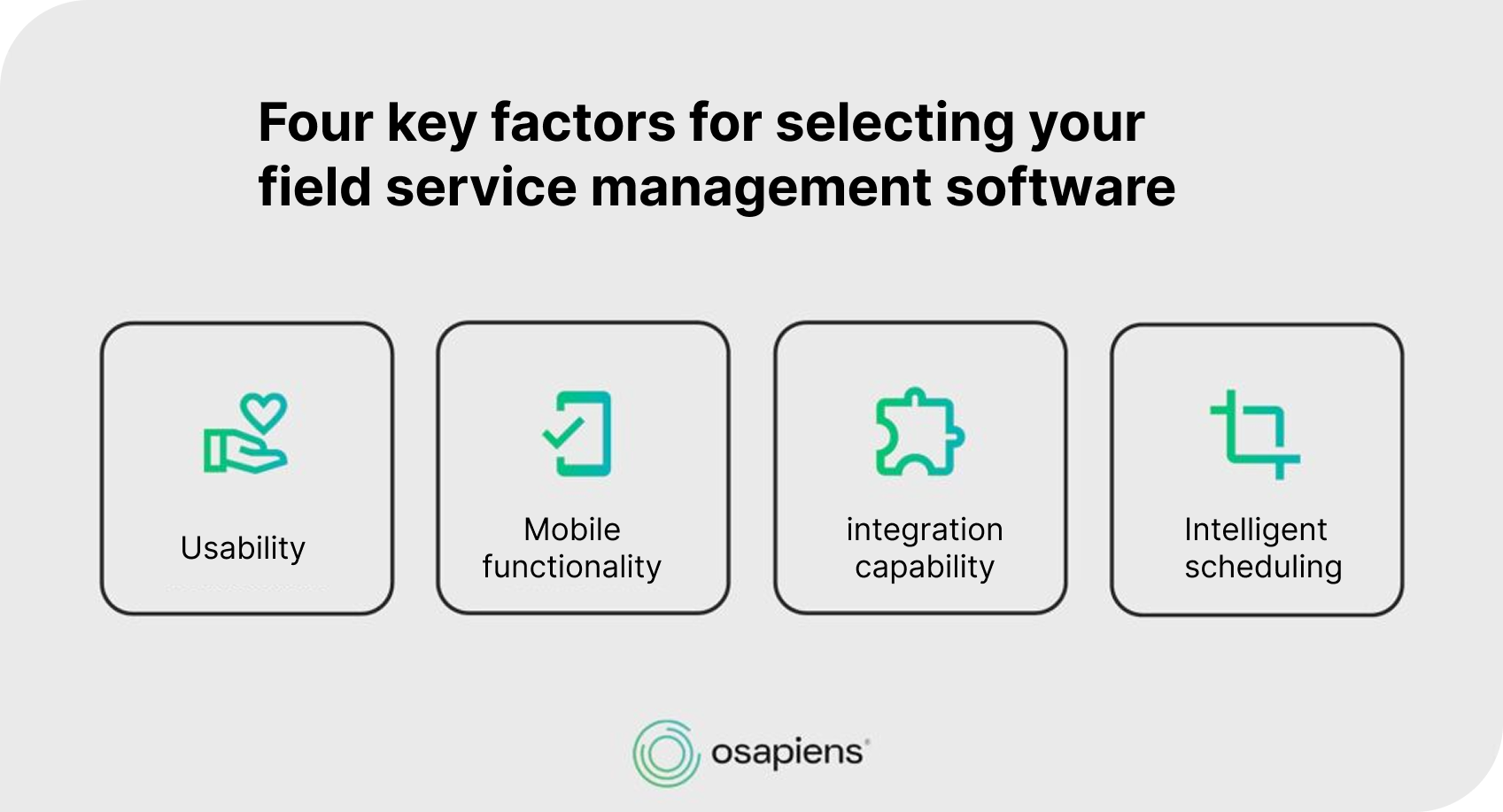
The top 6 list in comparison
- Osapiens
- Fieldcode
- Salesforce Field Service
- SAP Field Service Management
- OverIT Next-Gen FSM
- Praxedo
FAQ
Which FSM solution is best suited for SMEs
osapiens is a strong choice for manufacturing SMEs because the CMMS and FSM capabilities run in one hub and the platform is designed for fast setup and straightforward daily use. Smaller and mid sized teams benefit from simple configuration, an intuitive mobile app and ready to use workflows without long consulting projects. At the same time osapiens also supports enterprise environments, but large enterprises often run a different project model with more consulting, integration and global rollouts. SMEs usually want a product driven setup that works out of the box and this is where osapiens fits very well.
Do I always need the most expensive plan for automation
No. Automatic order entry and intelligent planning are already included in the standard package. On top of that osapiens offers a visual workflow builder that allows you to automate processes without coding. You can send emails, push notifications, update statuses, trigger follow up tasks or approvals and react to events in the system. This helps you standardize service processes while keeping full control.
Does the technician app also work without a network connection?
Yes. osapiens Mobile is fully usable offline/online, including PDF reports and digital signatures, which can be activated on request. The data synchronizes automatically.
Can I test the solution?
Yes. With the free trial, you can map real data and processes and quickly become productive. Note: The trial version offers a limited range of functions. In particular, the PDF service report and resource planning are activated by our Customer Success Team on request.
Start using osapiens for free
Improve your uptime, extend the life of your equipment, and simplify work order management.
Book a demo
ENTERPRISE CAPABILITIES
- SAP ECC & S/4HANA Certified
- Infor & MS Dynamics
- Microsoft Entra ID / Okta
- ISO 27001 & 9001
- EU Cloud · Data Sovereignty
- Development, Test, and Production Environments
- Multi-Entity & Multi-Site
- Power BI Integration
- Audit Trail & Compliance
Related content

January 1, 2026
Commercial Roof Maintenance Checklist – Tasks, Best Practices & Digital Execution

July 9, 2026
Boehringer Ingelheim standardizes plant maintenance globally with osapiens

September 19, 2025
Meet the osapiens maintenance experts at Pharma Maintenance Reloaded 2025
January 1, 2026
Manufacturing Facility Maintenance Checklist – Essential Tasks & Digital Execution
January 1, 2026
Relay Protection System Maintenance Checklist – Tasks, Standards & Digital Execution

September 21, 2026
Best Condition Based Monitoring Software: Top 5 Comparison 2026
February 6, 2026
Asset Maintenance Software: Find the Right Solution for Your Facility
January 1, 2026
Elevator Preventive Maintenance Checklist – Tasks, Safety & Digital Execution
January 1, 2026
Shot Blasting Machine Maintenance Checklist – Tasks, Tips & Digital Execution
January 1, 2026
Plastic Injection Mold Maintenance Checklist – Tasks, Tips & Best Practices
January 1, 2026
Filling Machine Maintenance Checklist – Tasks, Tips & Best Practices
January 1, 2026