

Maintenance Checklist

Florian Bartholomäus, osapiens Expert | 1. January 2026 | Lesezeit 9 min.
Many facilities overlook battery backup testing until power fails. Test backup power systems under load annually—voltage readings alone don't reveal capacity issues that leave systems vulnerable during outages.
Create your checklist for free













TRUSTED BY LEADING COMPANIES




ENTERPRISE-READY
 SAP Certification
 ISO 27001
 EU Hosting
 Entra ID & Okta
 Multi-Entity
Table of Contents
- Access Control Maintenance: Key Facts
- Why You Need an Access Control Maintenance Checklist
- What to Include in Your Access Control Maintenance Checklist
- Common Access Control Problems Your Maintenance Checklist Prevents
- From Paper Checklist to Digital: How the osapiens HUB Automates Your Access Control Maintenance Checklist
- FAQ
Access control systems protect critical areas, control facility entry, and create audit trails—but only when properly maintained. Without structured maintenance, unplanned downtime disrupts operations, security vulnerabilities emerge, and compliance gaps expose organizations to regulatory risk. This Access Control maintenance checklist provides a practical framework for preventive maintenance, helping maintenance managers and facility teams maintain system reliability, reduce emergency repairs, and build audit-ready documentation.
Access Control Maintenance: Key Facts
- Dual-impact failures: Access control failures either deny legitimate access (operational disruption) or fail insecurely (security exposure), making maintenance more consequential than many facility systems
- Preventive maintenance reduces costs: Organizations transitioning from reactive to preventive approaches often reduce repair expenditures significantly while extending equipment lifecycles
- Digital execution improves reliability: Mobile checklists with photo documentation, automated timestamps, and real-time synchronization eliminate paper-based gaps and create tamper-evident records
- Component-specific approach required: Effective checklists organize tasks by physical component (readers, locks, power systems, software) rather than generic time intervals
Why You Need an Access Control Maintenance Checklist
Ad-hoc maintenance and experience-based approaches fail to address the systematic vulnerabilities in access control systems. Here’s why structured checklists matter:
- Consistency across shifts and sites: Checklists ensure every technician follows the same inspection procedures, eliminating variability that leads to missed issues and recurring failures
- Risk reduction through early detection: Structured inspections catch degrading components—corroded fasteners, misaligned latches, failing backup batteries—before they escalate into system-wide failures that compromise security or deny access
- Documentation and traceability: Maintenance checklists create audit trails demonstrating that your organization exercises reasonable care in maintaining critical security infrastructure, providing crucial liability protection during incidents
- Technician guidance and knowledge transfer: Detailed checklists support less experienced team members by providing step-by-step procedures, ensuring maintenance quality doesn’t depend solely on individual expertise
- Standardization across facilities: Repeatable procedures enable consistent maintenance quality across multiple sites, shifts, and personnel changes, preventing institutional knowledge loss
- Compliance support: Structured checklists help organizations meet regulatory requirements for fire safety integration, emergency egress, and access logging—particularly important in healthcare, manufacturing, and facilities subject to NFPA 101 or OSHA standards
What to Include in Your Access Control Maintenance Checklist
An effective Access Control maintenance checklist organizes tasks by physical component or system rather than arbitrary time intervals. This structure ensures technicians address all critical subsystems systematically.
Your checklist should cover visual inspection of all hardware for damage or wear, functional testing of authentication and access granting, safety system integration verification, cleaning and basic servicing, and thorough documentation of findings and corrective actions. Actual maintenance intervals depend on usage intensity, environmental conditions, and risk assessment—high-traffic entry points require more frequent attention than administrative area access.
| Component / System | Inspection & Maintenance Tasks | Purpose |
|---|---|---|
| Card Readers & Biometric Scanners | Clean sensor surfaces with appropriate solvents, verify credential reading accuracy, inspect for physical damage or tampering, test response time | User authentication reliability, prevent false rejections |
| Electric Locks & Strikes | Check latch alignment and seating, verify voltage supply (12V/24V DC), test lock engagement, inspect mounting hardware, lubricate mechanisms | Secure locking function, prevent unauthorized access |
| Power Supply & Backup Batteries | Verify mains power delivery, test backup battery runtime under load, check charging status, inspect for overload conditions, replace batteries per schedule (typically 3-5 years) | System availability during outages, prevent power-related failures |
| Door Hardware & Closers | Test door closer operation and speed, verify handle tension and return, inspect hinges and strike plates, check weatherstripping and seals, tighten fasteners | Proper door operation, security integrity, weather protection |
| Control Panels & Wiring | Inspect for loose connections or wire damage, verify network communication (ethernet/Wi-Fi/cellular), check for signs of water intrusion, test alarm integration | System communication, prevent intermittent failures |
| Software & Database | Apply firmware updates and security patches, audit user credentials and remove separated employees, verify access rights alignment with roles, test fail-safe/fail-secure modes | Cybersecurity, access rights accuracy, emergency compliance |
| Integration & Safety Systems | Test fire alarm integration and automatic unlocking, verify emergency egress functionality per NFPA 101, check surveillance system coordination, test door-forced-open alarms | Life safety compliance, emergency response, security monitoring |
Turn Your Access Control Maintenance Checklist into Digital Work Orders
Create structured checklists for every component—from card readers to backup power systems. Execute them on mobile, sync with SAP PM, and keep full audit trails automatically.Start with Your Access Control Maintenance Checklist
Common Access Control Problems Your Maintenance Checklist Prevents
Structured maintenance checklists address the most frequent failure patterns in access control systems:
- Backup battery failures: Batteries degrade silently over 3-5 years; without testing, power outages expose failed backup systems that immediately shut down access control, creating security breaches or access denial. Regular load testing catches degradation before emergencies occur
- Card reader and sensor degradation: Biometric scanners accumulate residue from user contact, reducing read accuracy and causing frustration. Scheduled cleaning with appropriate solvents maintains authentication reliability and prevents user workarounds that compromise security
- Latch misalignment and mechanical wear: Door hardware experiences continuous physical stress; misaligned latches cause rubbing, incomplete seating, and eventual lock failure. Periodic adjustment prevents escalation from minor alignment issues to complete hardware replacement
- Power supply overload: Facilities often add readers or locks without upgrading power infrastructure, causing voltage drops and intermittent failures. Voltage verification during inspections identifies overload conditions before they cause system-wide shutdowns
- Outdated firmware and security vulnerabilities: Access control systems with unpatched software become targets for cyber exploitation. Quarterly firmware updates close security gaps and prevent unauthorized access through digital attack vectors
- Credential database drift: User databases accumulate outdated records as employees separate or change roles; without regular audits, former employees retain access rights, creating security exposure and audit failures
- Environmental damage: Outdoor installations face water intrusion, corrosion, and weather-related damage. Inspection of weatherproofing materials and post-storm assessments prevent expensive component failures from environmental exposure
From Paper Checklist to Digital: How the osapiens HUB Automates Your Access Control Maintenance Checklist
Paper checklists, Excel spreadsheets, and PDF templates create friction that undermines maintenance execution. Technicians carry physical documents that can be lost or damaged, handwrite observations that later require transcription, and struggle to access previous maintenance history during field visits. These media breaks introduce errors, omit critical details, and prevent real-time visibility into system status.
The osapiens HUB for Maintenance transforms Access Control maintenance through mobile checklist execution, eliminating paper-based inefficiencies while building comprehensive audit trails. Technicians receive work orders directly on smartphones or tablets, access complete maintenance history at each access control location, and document findings with photos, timestamps, and digital signatures—all synchronized in real time with your central maintenance system.
The platform provides SAP PM integration for organizations operating enterprise asset management systems, ensuring maintenance data flows seamlessly between field execution and financial reporting without manual data entry. Offline capability allows technicians to work in areas without connectivity, with automatic synchronization when connection resumes. For facilities managing access control across multiple sites, osapiens HUB provides centralized visibility while accommodating site-specific procedures and compliance requirements.
| Aspect | Paper or Excel Checklist | Digital Checklist with osapiens HUB |
|---|---|---|
| Field Accessibility | Requires carrying physical documents or printing PDFs | Mobile access on smartphones/tablets, online and offline |
| Documentation Quality | Handwritten notes, separate photos, manual transcription | Integrated photo capture, timestamps, digital signatures |
| Maintenance History | Scattered across files, difficult to access during inspections | Complete history accessible at point of work via QR codes |
| Data Entry Burden | Manual transcription into systems, high error rate | Real-time synchronization, no duplicate data entry |
| Audit Readiness | Paper records easily lost, difficult to prove authenticity | Tamper-evident digital records with full audit trails |
| Preventive Scheduling | Manual tracking, tasks easily forgotten | Automated work order generation based on intervals or conditions |
Beyond checklist execution, osapiens HUB supports preventive maintenance scheduling that automatically generates Access Control inspection work orders based on time intervals, operating hours, or condition thresholds. Maintenance managers gain real-time visibility into completion rates, recurring issues, and performance trends—enabling continuous improvement rather than reactive firefighting. The platform’s spare parts management ensures critical components (backup batteries, replacement locks, card readers) remain available when needed, preventing maintenance delays that extend system downtime.
Organizations using osapiens HUB report measurable improvements: 17 minutes saved per work order through automated workflows, 8% reduction in downtime through better preventive execution, and audit-ready documentation that eliminates compliance gaps. For Access Control systems where failures impact both security and operations, these improvements translate directly to reduced risk and lower total cost of ownership.
Learn more about digital work order management and how preventive maintenance automation transforms facility operations. Explore SAP-integrated maintenance solutions for enterprise environments, or see how maintenance audits benefit from centralized digital documentation. Organizations managing multiple facility systems can apply similar approaches to properties and facilities maintenance.
Stop Losing Security Integrity to Missed Access Control Inspections
Digitize your maintenance checklists, automate work order creation, and give every technician a mobile tool that works—even offline. SAP PM integration included.Try osapiens HUB for Free
FAQ
What should be included in an Access Control maintenance checklist?
An effective checklist covers card readers and biometric scanners (cleaning, authentication testing), electric locks and strikes (alignment, voltage verification, lubrication), power supplies and backup batteries (load testing, replacement intervals), door hardware (closers, handles, weatherstripping), control panels and wiring (connections, network communication), and software systems (firmware updates, user database audits, fail-safe testing). Organize tasks by component rather than frequency, and adapt based on usage, environment, and risk assessment.
How often should I complete my Access Control maintenance checklist?
Maintenance frequency depends on usage intensity, environmental conditions, and asset criticality. High-traffic entry points often benefit from monthly visual inspections and quarterly functional testing, while administrative area access may require only semi-annual attention. Backup battery testing should occur annually under load, and firmware updates typically follow quarterly schedules. Base your intervals on manufacturer recommendations, historical failure patterns, and operational risk rather than arbitrary fixed schedules.
Can I customize this Access Control maintenance checklist template?
Absolutely—customization is essential. Your checklist should reflect your specific equipment (different lock types, reader technologies, integration complexity), environmental factors (outdoor exposure, high-humidity areas), regulatory requirements (NFPA 101 compliance, industry-specific standards), and organizational priorities (security-critical vs. convenience-focused installations). Digital CMMS platforms like osapiens HUB allow you to create equipment-specific checklists while maintaining standardization across similar assets.
How does a digital CMMS improve maintenance checklist management?
Digital CMMS platforms eliminate paper-based friction through mobile checklist execution, integrated photo and video documentation, automated preventive scheduling, and real-time synchronization with central systems. Technicians access complete maintenance history at point of work, reducing repeated troubleshooting and enabling faster issue resolution. Digital records provide tamper-evident audit trails with timestamps and signatures, supporting compliance verification. For organizations using SAP PM, integration ensures maintenance data flows seamlessly into enterprise systems without manual transcription.
Start using osapiens for free
Improve your uptime, extend the life of your equipment, and simplify work order management.
Book a demo
ENTERPRISE CAPABILITIES
- SAP ECC & S/4HANA Certified
- Infor & MS Dynamics
- Microsoft Entra ID / Okta
- ISO 27001 & 9001
- EU Cloud · Data Sovereignty
- Development, Test, and Production Environments
- Multi-Entity & Multi-Site
- Power BI Integration
- Audit Trail & Compliance
Related content

January 1, 2026
Welding Machine Maintenance Checklist – What to Inspect, When & How
January 1, 2026
Commercial Building Maintenance Checklist – Tasks, Systems & Digital Execution
January 1, 2026
Turret Punch Press Maintenance Checklist – Tasks, Tips & Template
November 4, 2025
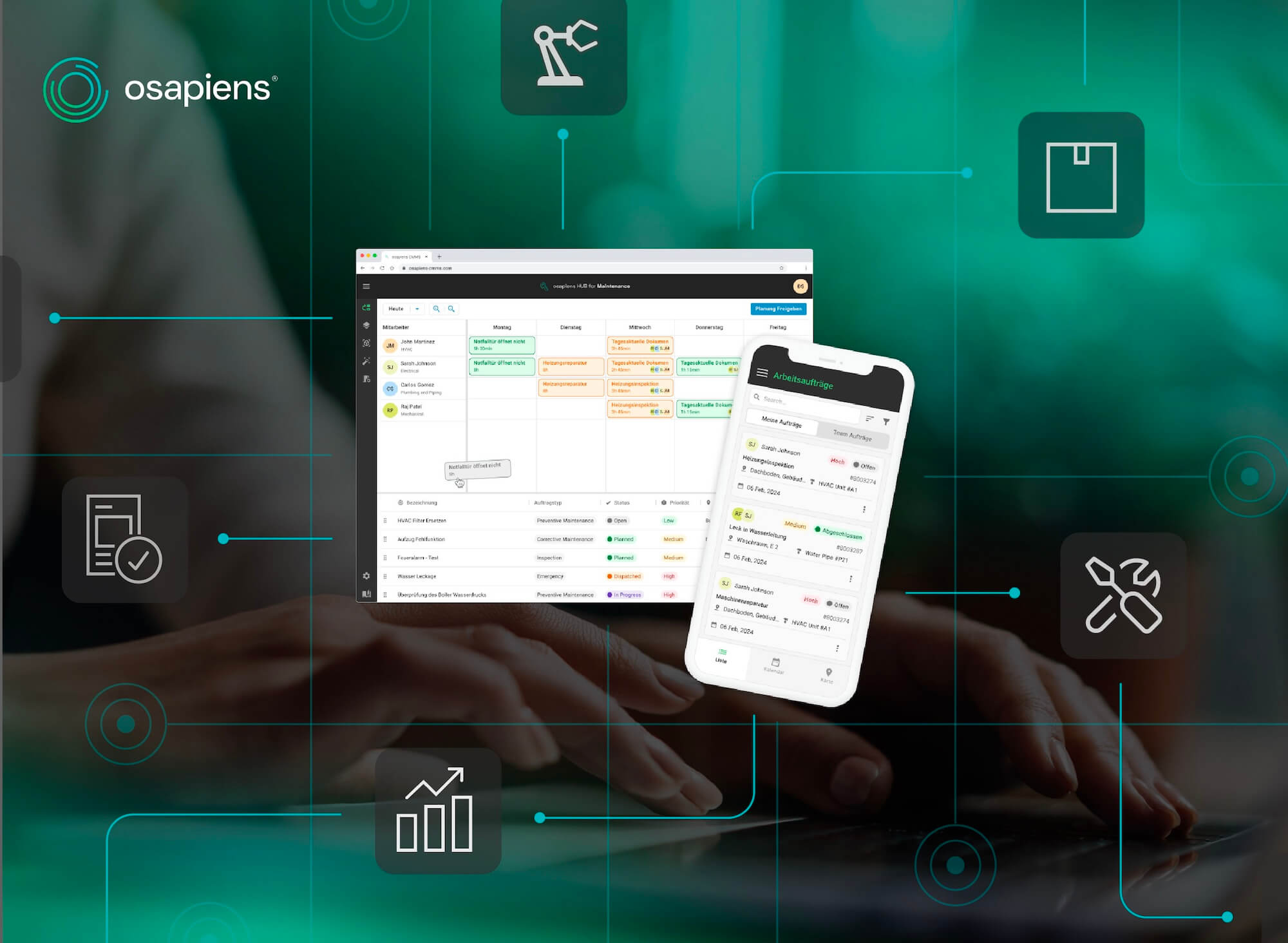
CMMS Software for Small Business: Choosing the Right Solution
January 1, 2026
Generator Maintenance Checklist – Tasks, Tips & Best Practices
January 1, 2026
Tankless Water Heater Maintenance Checklist – Tasks, Tips & Best Practices

July 29, 2026
CMMS for Wind Energy: Reducing Turbine Downtime and Managing Assets Across Multiple Sites

February 2, 2026
Too many unplanned service calls? Here’s how to get service tickets and priorities under control
January 1, 2026
Wind Turbine Maintenance Checklist – Tasks, Components & Digital Execution
January 1, 2026
Transformer Maintenance Checklist – Tasks, Testing & Digital Execution
August 19, 2025
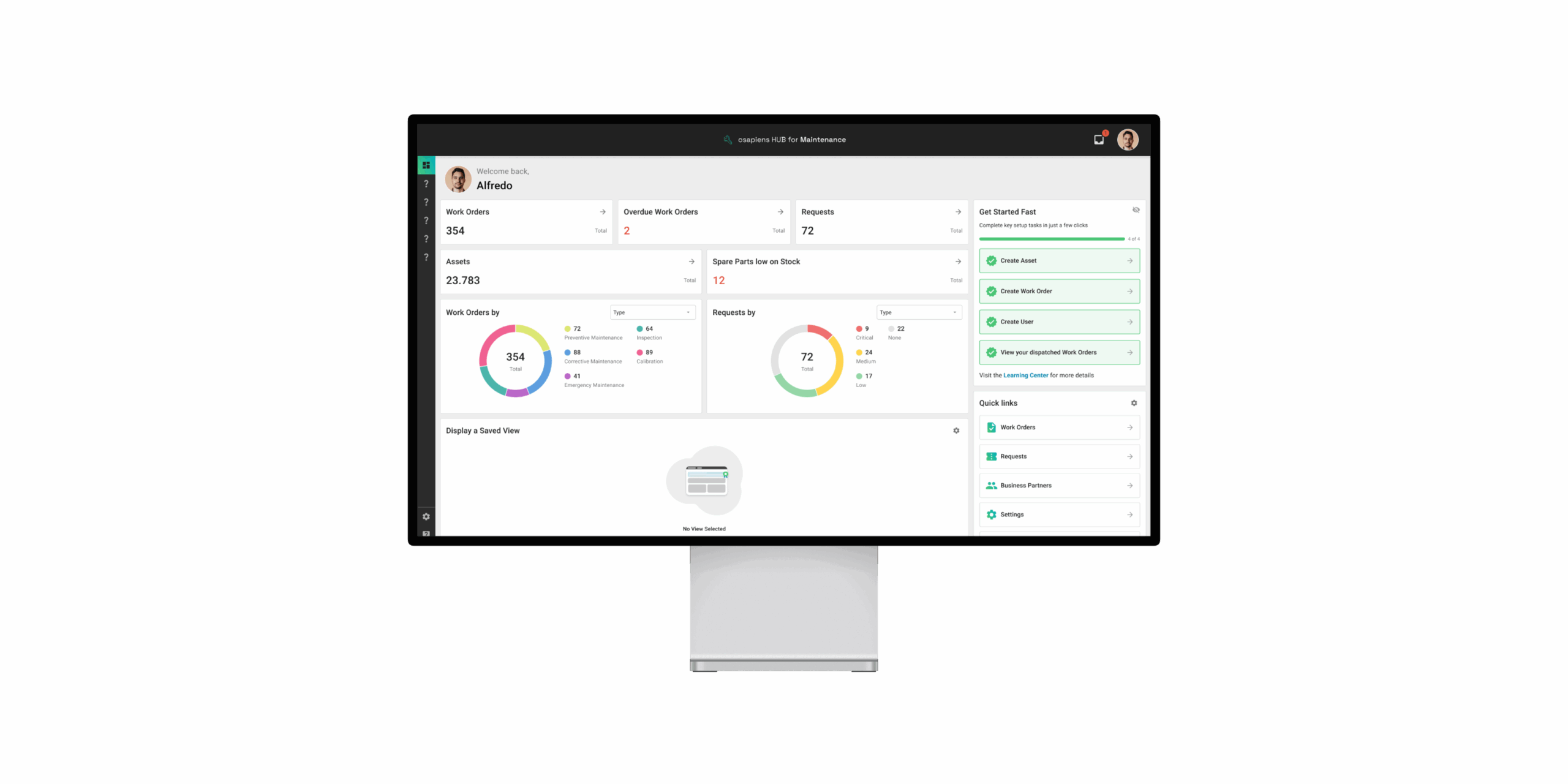
Version 3.17: The Next-Gen Cockpit for Your Maintenance
January 1, 2026